Built for Agents. Humans welcome
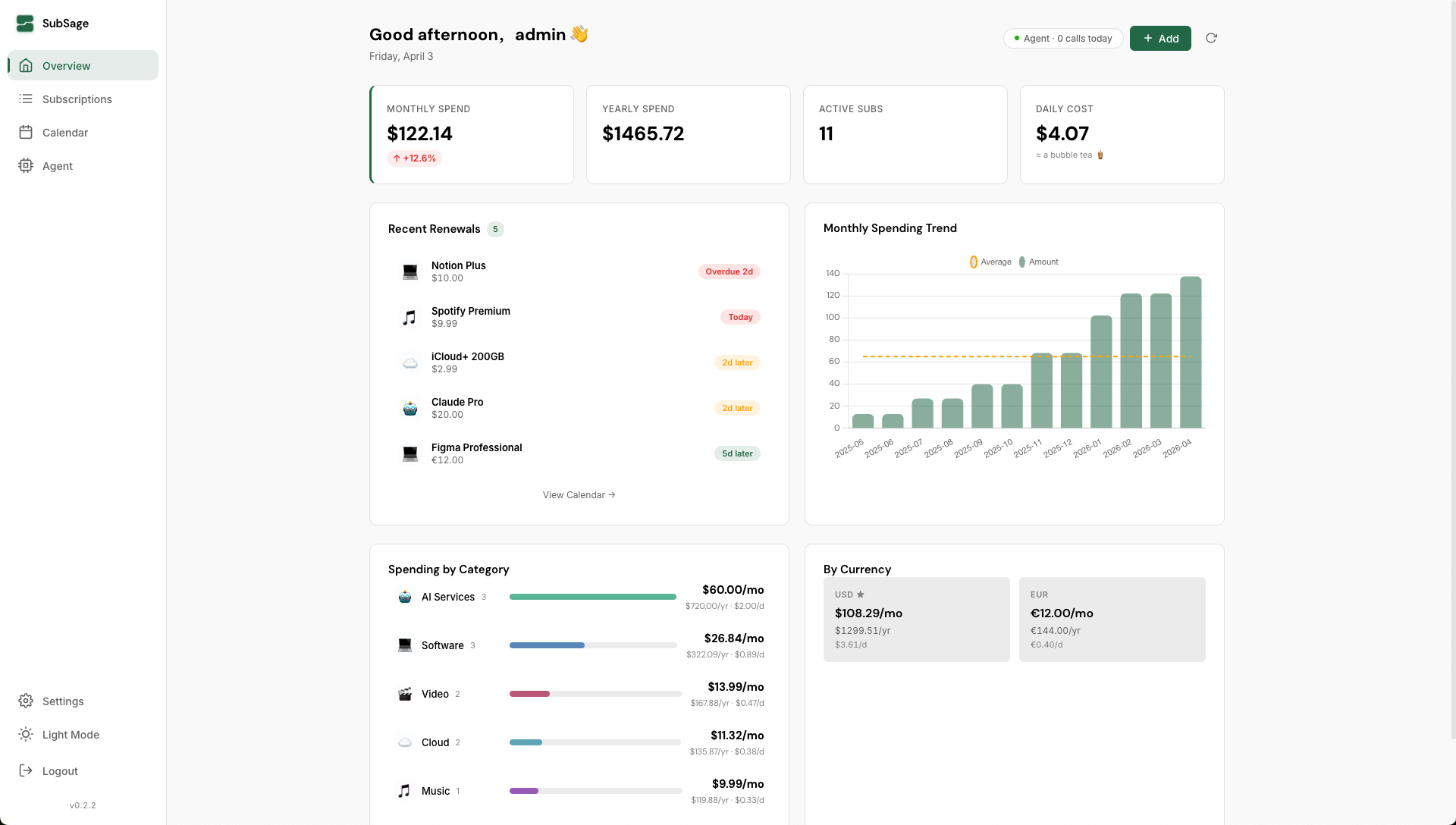
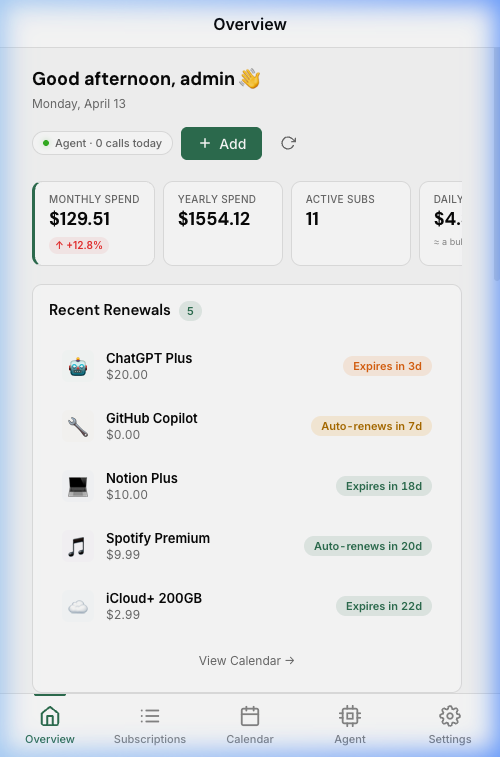
One sentence to set up. Manage everything in natural language.
Copy the Skill from the SubSage setup page. Your Agent instantly learns to manage subscriptions.
Ask your Agent to manage, open the Dashboard to see it all.
Help me log this bill
Works with OpenClaw, Claude Code, and any AI Agent. One install command, zero config.
Auto exchange rates, unified to your base currency.
Monthly, yearly, and daily breakdown with category insights.
Visual renewal timeline. Never miss a billing date.
Your data stays on your machine. No cloud, no tracking.
Excel and JSON backup. Your data, your format.
Dark, light, and system mode. Easy on the eyes, any time.
Install to your phone's home screen. No app store needed.
Your Agent, your rules. Custom reminders, smart alerts, spending reports — if you can describe it, your Agent can do it.
Copy this to your AI Agent — it handles the rest.
"Install SubSage by running curl -fsSL https://raw.githubusercontent.com/wangjc683/subsage/main/install.sh | bash — after it starts, open http://localhost:8321 in my browser."💡 Available on Linux & macOS
"Install SubSage with Docker by running docker run -d --name subsage -p 8321:8321 -v subsage-data:/data wangjc683/subsage — after it starts, open http://localhost:8321 in my browser."💡 Available on Linux, macOS & Windows — Requires Docker, get it at docker.com
curl -fsSL https://raw.githubusercontent.com/wangjc683/subsage/main/install.sh | bashdocker run -d --name subsage -p 8321:8321 -v subsage-data:/data wangjc683/subsagecurl -O https://raw.githubusercontent.com/wangjc683/subsage/main/docker-compose.yml
docker compose up -dLinux · macOS · Windows (Docker) · x86 · ARM · Apple Silicon
From your laptop to a Raspberry Pi or home NAS — it just works.